
[Web]
- Go to this link
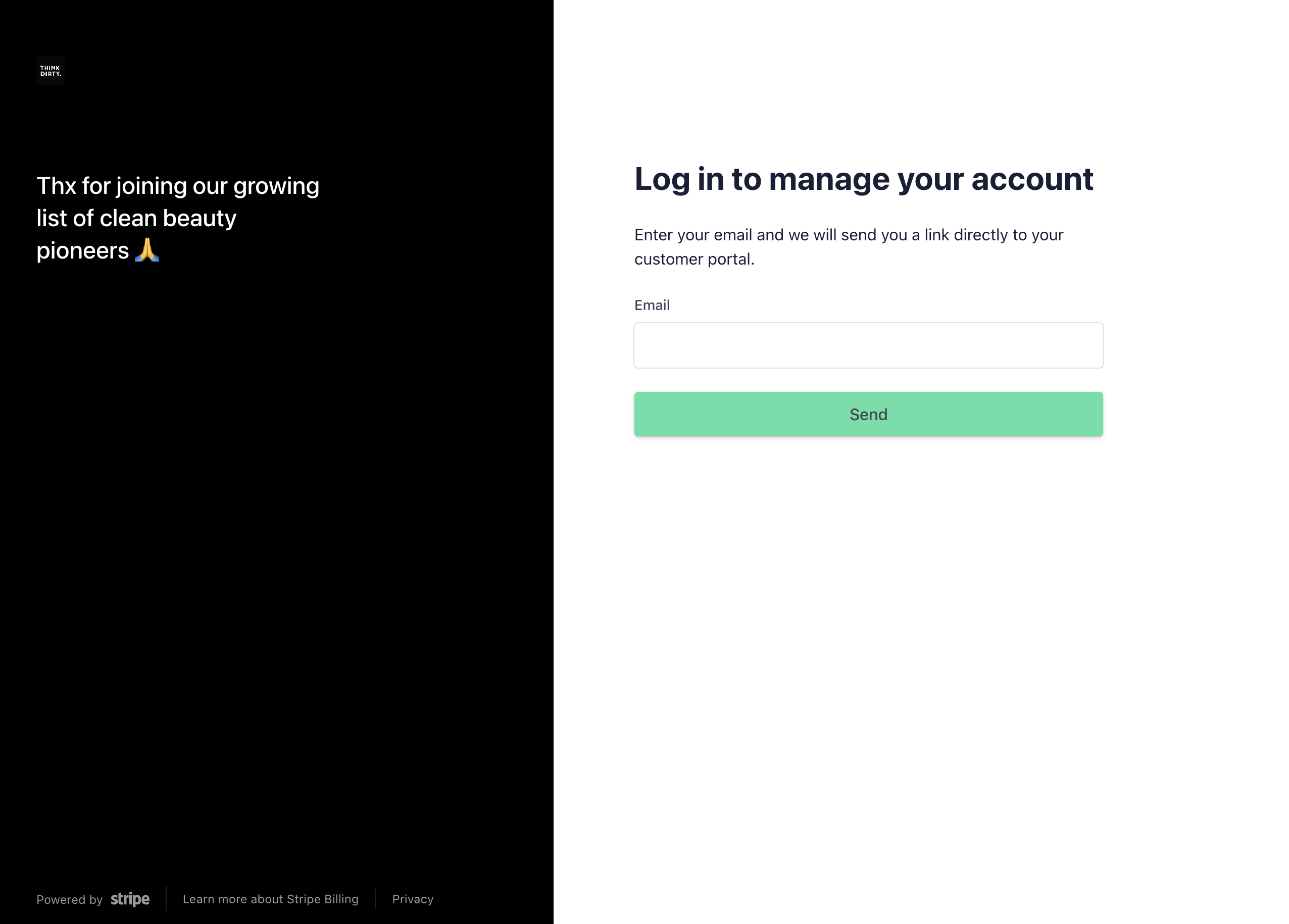
2. Enter the e-mail you purchased your subscription with
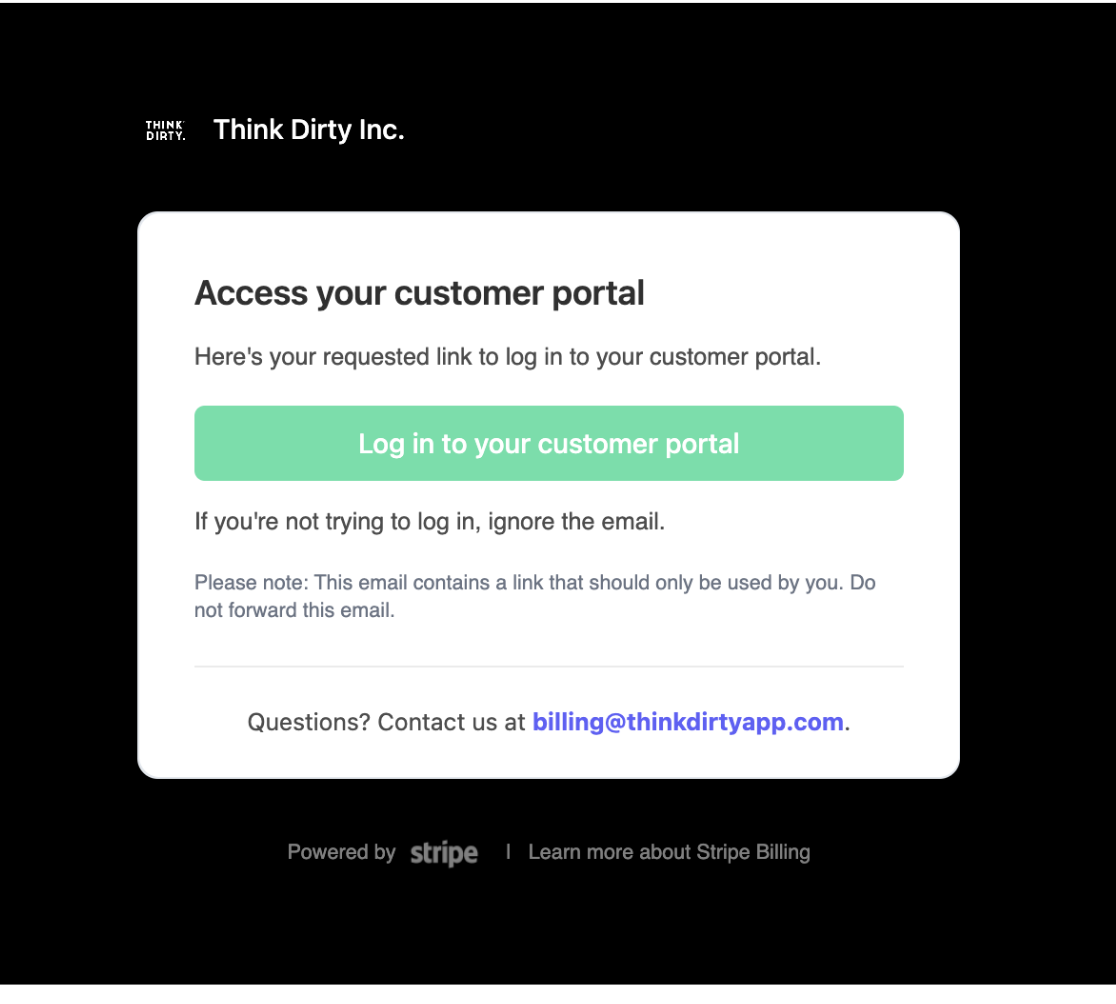
3. You will receive an e-mail with a sign-in link where you can update your credit card details.
[Android]
- Go to Settings
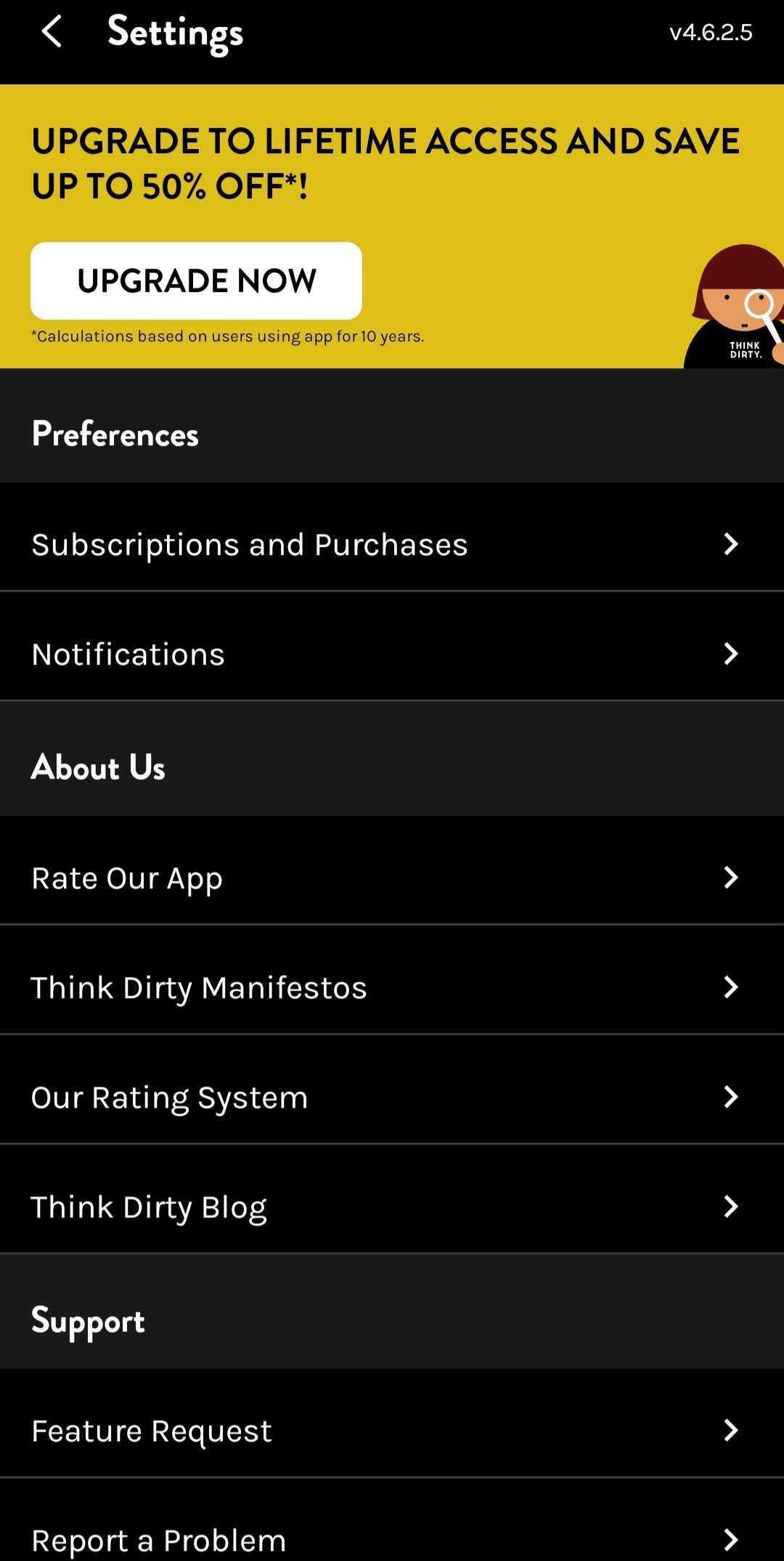
2. Tap on "Subscriptions and Purchases"
3. You will be taken to a new screen where you can tap on the Subscription Name

4. A pop-up will appear where you can tap on "Manage Web Subscription"
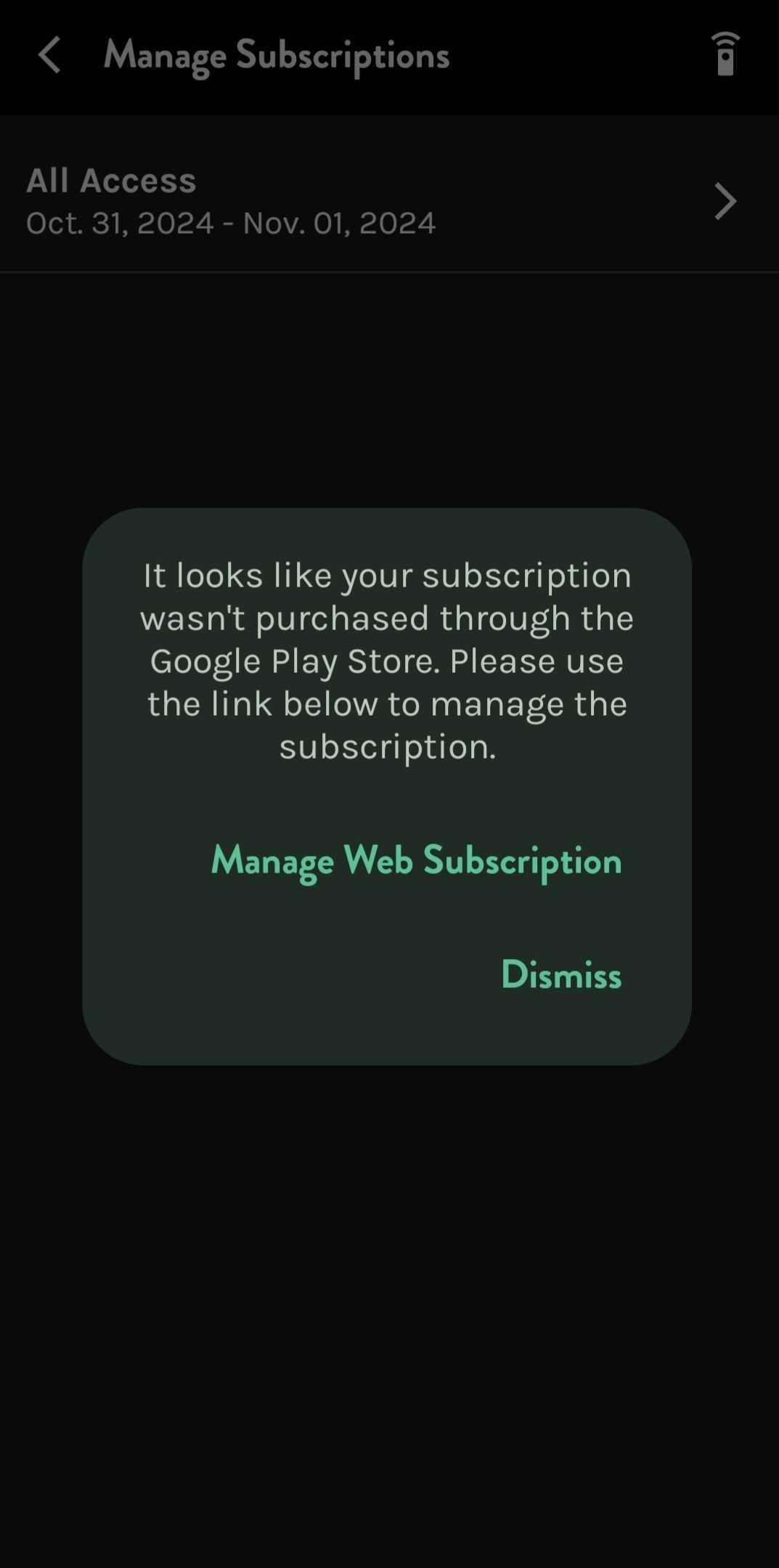
5. You will be redirected to a new page where you can log into your Stripe account
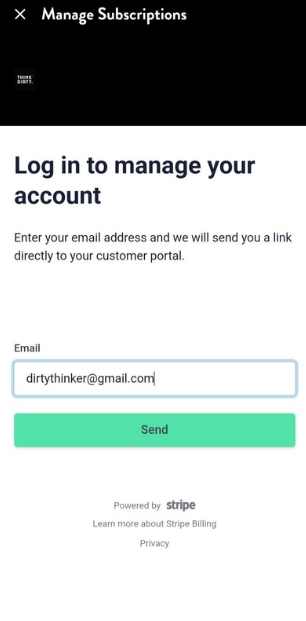
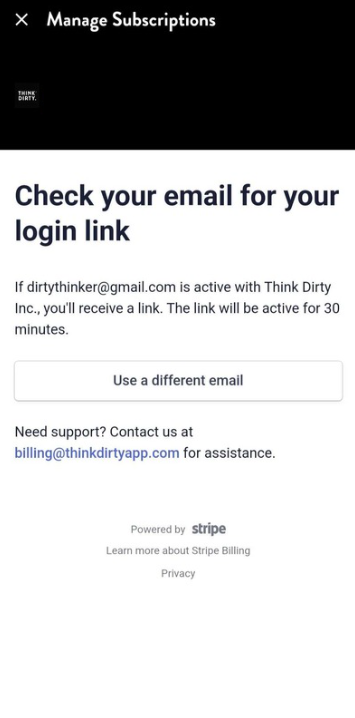
6. Please check your email (inbox and/or spam) from Stripe. Tap on the link it provides. It will redirect you to the Stripe site.
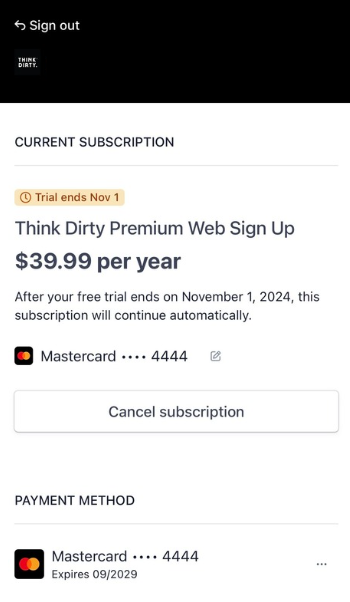
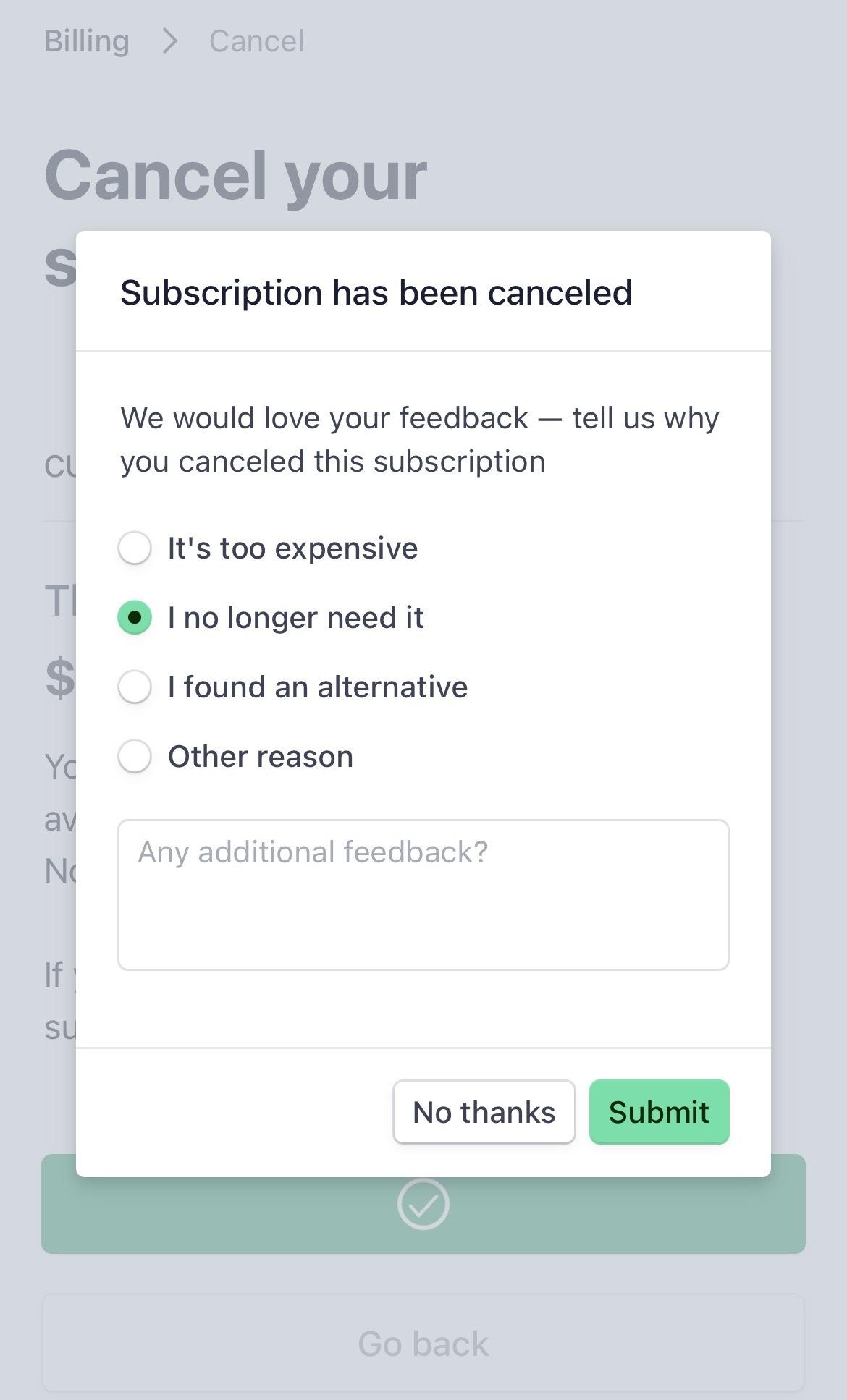
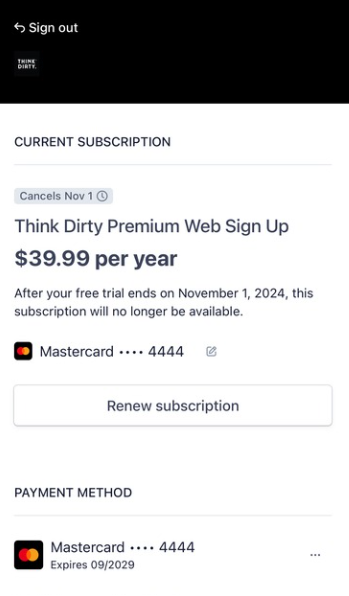
7. There you will be able to see your active subscription and tap on the button "Cancel Subscription".
[Apple]
- Go to this link
- Enter the e-mail you purchased your subscription with
- You will receive an e-mail with a sign-in link.
In the future, you can manage this directly in the app! Stay tuned.